How to Get Enrollment Certificate for Punjab E-Bike Scheme 2026 Application
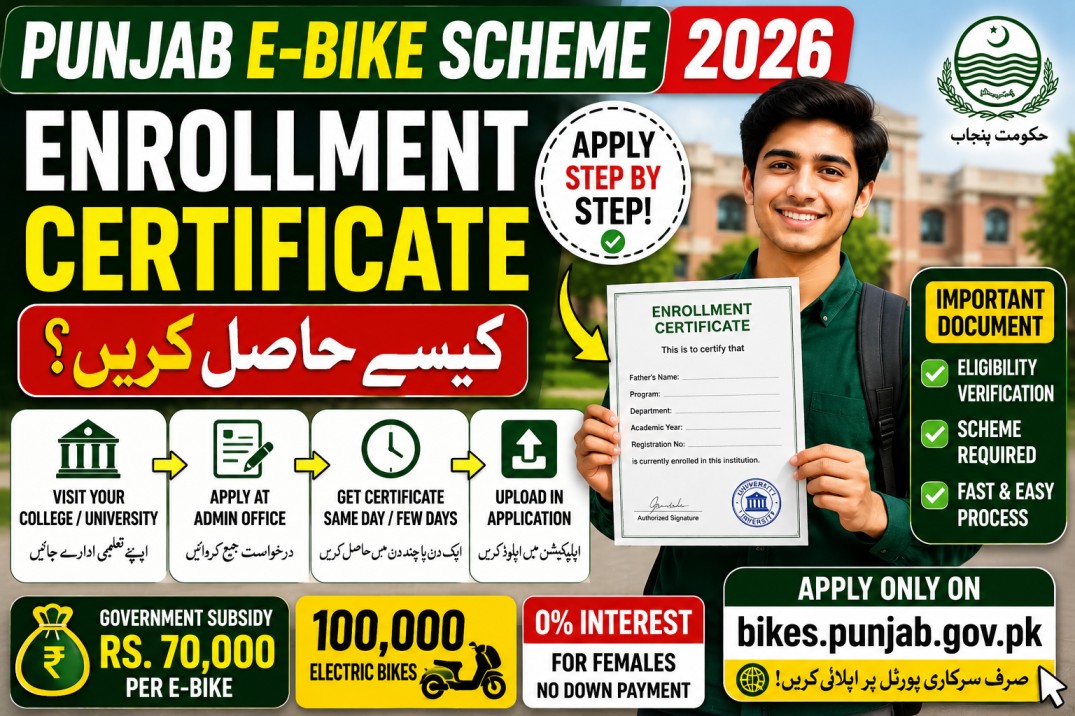
An enrollment certificate is one of the most important documents many students may need when applying for the CM Punjab Student E-Bike Scheme 2026. It serves as proof that you are currently enrolled in a recognized educational institution and helps confirm your eligibility during the verification process.
If you’ve never requested one before, don’t worry. Most colleges and universities issue enrollment certificates through their administration or student affairs office. Knowing where to apply and what information to provide can save you valuable time before the application deadline.
Scheme Quick Highlights
| Feature | Details |
|---|---|
| Scheme Name | CM Punjab Student E-Bike Scheme 2026 |
| Total Bikes | 100,000 Electric Bikes |
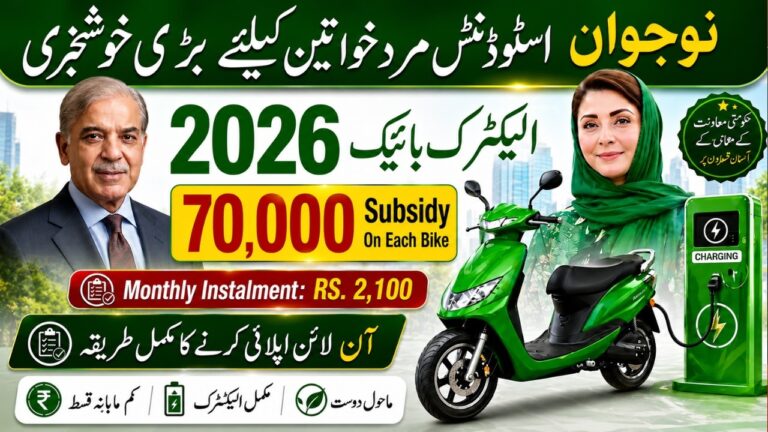
| Government Subsidy | Rs. 70,000 per e-bike |
| Male Down Payment | Rs. 14,000 + Rs. 2,100/month |
| Female Down Payment | No down payment + Rs. 2,100/month (0% interest) |
| Age Requirement | 18–35 years |
| Selection Method | PITB Computerised Balloting |
| Bank Partner | Bank of Punjab (BOP) |
| Official Portal | bikes.punjab.gov.pk |
| Helpline | 042-111-333-267 |
| support@bikes.punjab.gov.pk |
What Is an Enrollment Certificate?
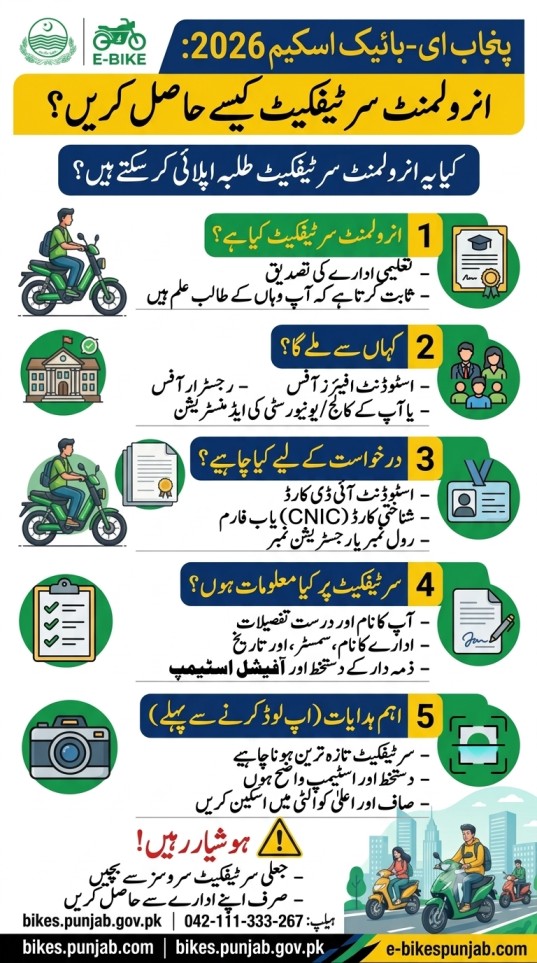
An enrollment certificate is an official document issued by your educational institution confirming that you are currently admitted and actively studying there.
Unlike a student ID card, which simply identifies you as a student, an enrollment certificate provides formal verification of your academic status. It is commonly used for scholarships, government schemes, internships, educational loans, and student financing programs.
Where Can You Get an Enrollment Certificate?
The issuing office depends on your institution, but most students can obtain the certificate from one of the following departments:
- Student Affairs Office
- Registrar Office
- Academic Office
- Examination Branch
- University Facilitation Center
- College Administration Office
Many universities now also allow students to request enrollment certificates through their online student portals.
Documents You May Need to Request It
Before visiting your institution, keep a few basic documents ready. While requirements vary, institutions commonly ask for:
| Required Item | Purpose |
|---|---|
| Student ID Card | Confirms your student identity |
| Valid CNIC or B-Form (if applicable) | Identity verification |
| Roll Number or Registration Number | Locates your academic record |
| Application Form (if required) | Official request for the certificate |
| Processing Fee (if applicable) | Covers administrative charges |
Some institutions issue the certificate free of charge, while others may charge a small administrative fee.
What Information Should the Certificate Include?
An enrollment certificate should clearly show your current academic status.
Typical details include:
- Full name of the student
- Father’s or guardian’s name
- Program or degree title
- Department or faculty
- Current semester or academic year
- Registration or roll number
- Institution name
- Date of issue
- Official signature and stamp
Before leaving the office, carefully check that all information is correct and matches your other application documents.
How Long Does It Take to Receive?
The processing time depends on your institution.
Some colleges issue enrollment certificates on the same day, while universities with larger student populations may take several working days. During admission or examination seasons, processing can take longer because of increased workload.
Requesting the certificate well before the application deadline helps avoid last-minute delays.
Tips Before Uploading Your Certificate
A clear and accurate document improves the chances of smooth verification.
Before uploading:
- Make sure the certificate is recent.
- Check that the official stamp and signature are visible.
- Scan the document in high quality.
- Ensure all text is readable.
- Save the file in the format required by the application portal.
- Keep the original certificate in case physical verification is requested.
These simple steps can prevent document rejection due to poor image quality or incomplete information.
What If Your Institution Delays Issuing the Certificate?
If your college or university cannot issue the certificate immediately, contact the relevant office and explain that you need it for a government application.
Some institutions provide a provisional enrollment letter or issue urgent certificates for official purposes. However, only submit documents that are accepted under the scheme’s official guidelines.
Find the Complete Student Document Checklist
This guide explains How to Get Enrollment Certificate for Punjab E-Bike Scheme 2026 Application.
For the complete list of student documents, guarantor requirements, and other eligibility conditions, visit the relevant guides available on the e-bikespunjab.com homepage instead of relying on unofficial sources.
Beware of Fake Certificate Services
Some websites and social media pages claim they can provide enrollment certificates or guarantee document approval for a fee.
Do not share your personal information or pay anyone offering unofficial certificates. Submitting forged or altered documents may lead to rejection of your application and could result in further action by the relevant authorities.
Always obtain your enrollment certificate directly from your educational institution.
How to Apply
- Visit the official Punjab E-Bike Scheme portal.
- Register or sign in to your account.
- Complete the online application form.
- Upload your enrollment certificate along with any other required documents.
- Review all information carefully before submitting.
- Track your application status through the official portal.
Helpline & Official Links
Official Portal: bikes.punjab.gov.pk
Bank Partner: Bank of Punjab (BOP)
Helpline: 042-111-333-267
Email: support@bikes.punjab.gov.pk
Apply only through the official government portal to ensure your application is secure.
Disclaimer: This is an independent informational site. Always verify from the official government portal.