E-Bike Display Panel Guide: Warning Lights, Battery Bar and Speed Display Explained
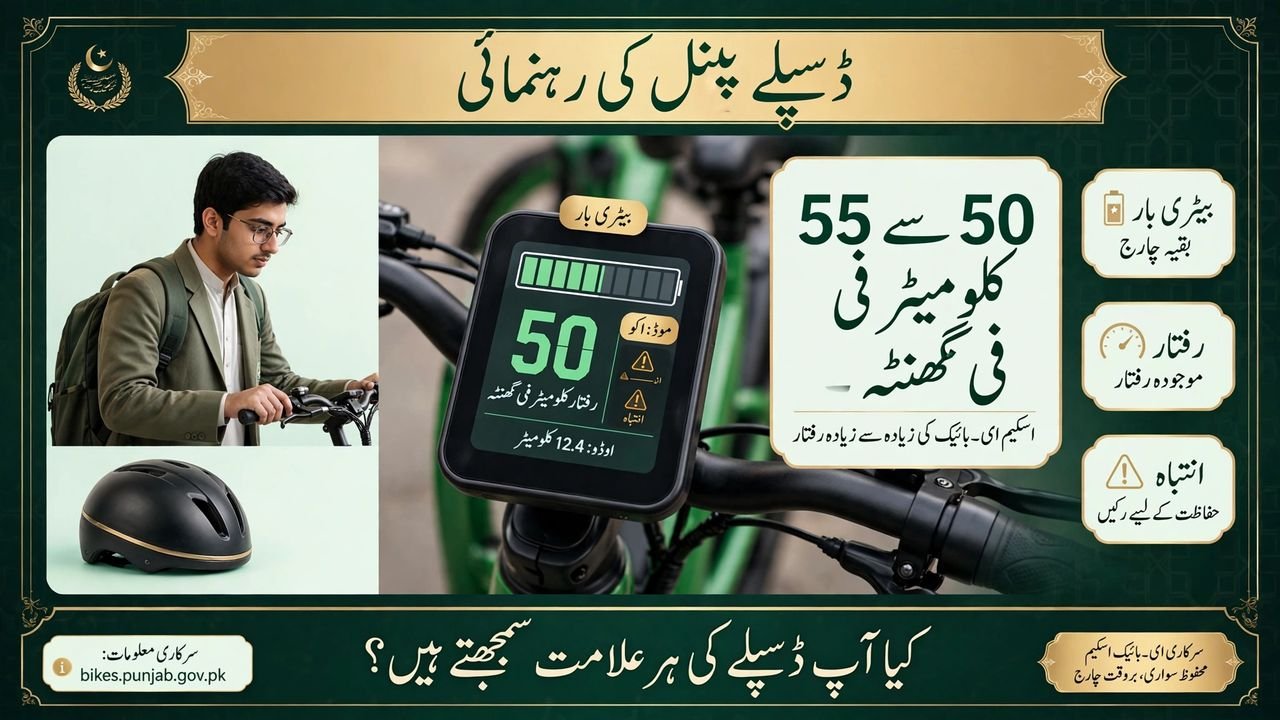
The display panel is the dashboard of your scheme e-bike. Every time you switch the bike on, it shows the battery level, your speed, and any warning that needs attention. Students who understand this small screen ride with more confidence, because they always know how much charge is left.
This display panel guide explains every part of the screen. It covers the battery bar, the speed display, the warning lights, and the riding modes, so you can read your bike at a glance. Your scheme bike carries a 72V 30Ah LFP battery and a 1000W motor, and the display is where both of them speak to you.
What the Display Panel Shows
The display panel sits on the handlebar, where you can see it without looking away from the road. It shows the battery level, your current speed, and the riding mode you are using. Some displays also show the distance travelled. Learn where each item sits during your first rides, so reading it becomes a habit.
- Battery Bar: the bar shows how much charge is left.
- Speed Number: the number shows your current speed at a glance.
- Riding Mode: the mode shows how the motor is set for your ride.
- Distance Reading: the distance shows how far you have travelled.
Reading the Battery Bar
The battery bar is the most important part of the display. A full bar means a full charge, a half bar means half the charge is gone, and a low bar means you should plan your next charge soon. Never start a long trip on a low bar, or a low battery can leave you pushing the bike home.
- Full Bar: a full bar means the battery is fully charged.
- Half Bar: a half bar means you have used about half the charge.
- Low Bar: a low bar means charge the bike at home soon.
- Charge at Home: charge fully at home before college.
Warning Lights: What They Mean
A warning light on the display panel is the bike telling you that something needs attention. Do not ignore it, and do not keep riding fast when a warning light is on. Slow down, find a safe place to stop, and look at what the display shows. This guide lists no fault codes, because only a trained person should read them.
- Stop Safely First: slow down and stop in a safe place when a warning appears.
- Note the Warning: write down or photograph what the display shows.
- Switch Off and On: switch the bike off, wait a few seconds, and switch it on.
- Visit a Service Centre: if the warning stays, visit a service centre.
Speed Display and Riding Modes
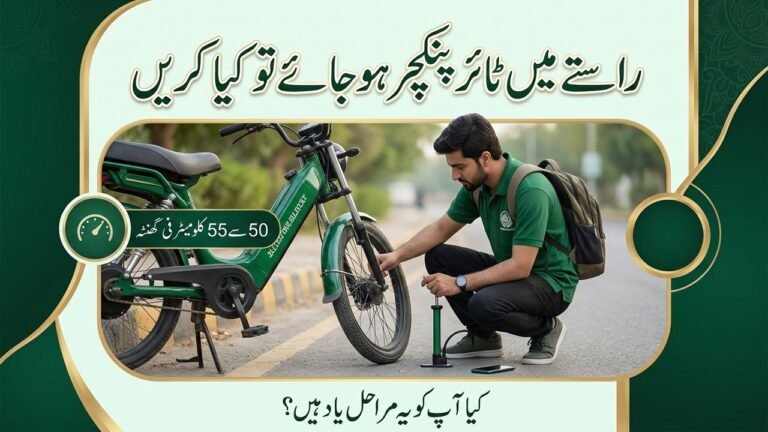
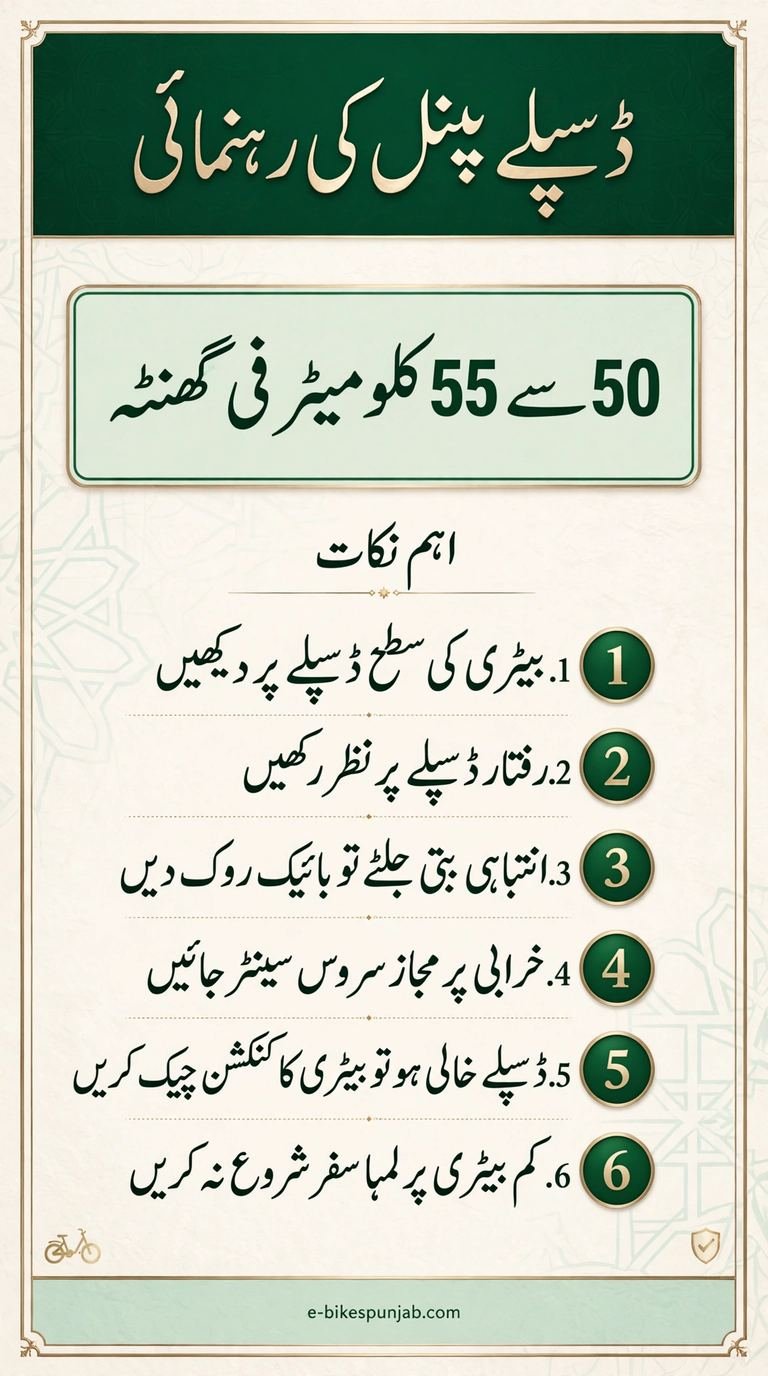
The speed display shows how fast you are riding, and the riding mode shows how the motor is helping you. Your scheme bike has a 1000W motor with a top speed of 50 to 55 km per hour. That is the fastest the bike can go, not the speed you should ride at every moment. Ride within the posted limit of the road, and slower in rain, fog, or at night.
- Top Speed: the bike can reach 50 to 55 km per hour on a clear road.
- Posted Limit First: ride within the posted limit of the road.
- Slow in Bad Weather: ride well below your normal speed in rain or fog.
- Modes Are Helpers: a mode only sets how the motor helps you ride.
When the Display Goes Blank or Acts Strange
Sometimes the display panel goes blank, flickers, or shows a reading that does not match how the bike feels. A blank display does not always mean a dead battery, and a flickering display does not always mean a big fault. Try the simple steps below first, and if the display still behaves strangely, get the bike checked.
| Display Item | What It Shows | What You Should Do |
|---|---|---|
| Battery bar | How much charge is left | Charge fully at home when low |
| Speed number | Your current riding speed | Stay within the posted limit of the road |
| Warning light | Something needs attention | Stop safely and visit a service centre |
| Riding mode | How the motor helps you | Use the mode that suits the road and traffic |
- Check the Battery Connection: make sure the battery sits firmly in place.
- Restart the Bike: switch the bike off, wait a few seconds, and switch it on.
- Note the Reading: photograph a strange reading before it disappears.
- Do Not Open the Panel: never open the display panel yourself.
Check your official scheme status only on the official portal, at bikes.punjab.gov.pk. Scheme news comes only from the official portal, never from forwarded messages.
FAQs
What does the battery bar on the display show?
It shows how much charge is left in your battery, from full to low.
What should I do when a warning light comes on?
Slow down, stop in a safe place, note what the display shows, and visit a service centre if the warning stays.
What is the top speed shown on the display?
The bike can reach 50 to 55 km per hour, but ride within the posted limit of the road.
What if the display goes blank while I am riding?
Stop safely, check the battery connection, switch the bike off and on, and get it checked if it stays blank.
Where do I check my scheme status?
Check live status only on the official portal, bikes.punjab.gov.pk.
Conclusion
The display panel is a small screen with a big job. It tells you how much charge is left, how fast you are riding, and when the bike needs attention. Read the battery bar before every trip, watch the speed number on the road, and never ignore a warning light. A student who reads the display well rides with confidence, charges on time, and reaches college safely.