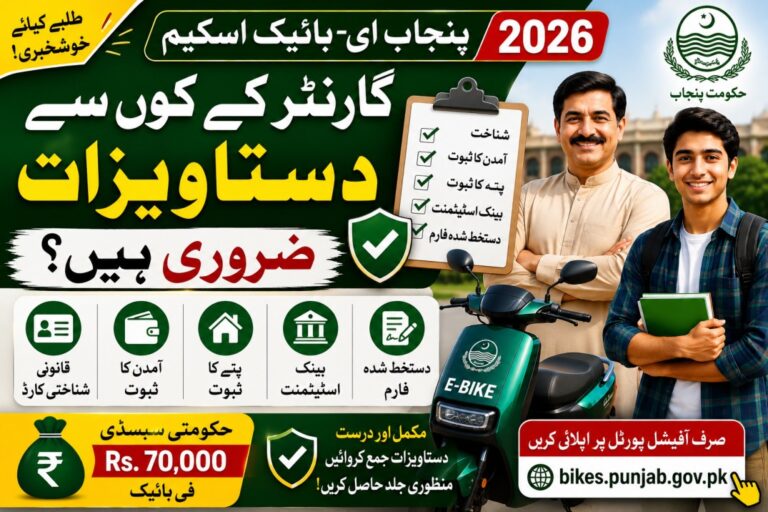
How To Correct Punjab E-Bike Scheme Form Mistakes
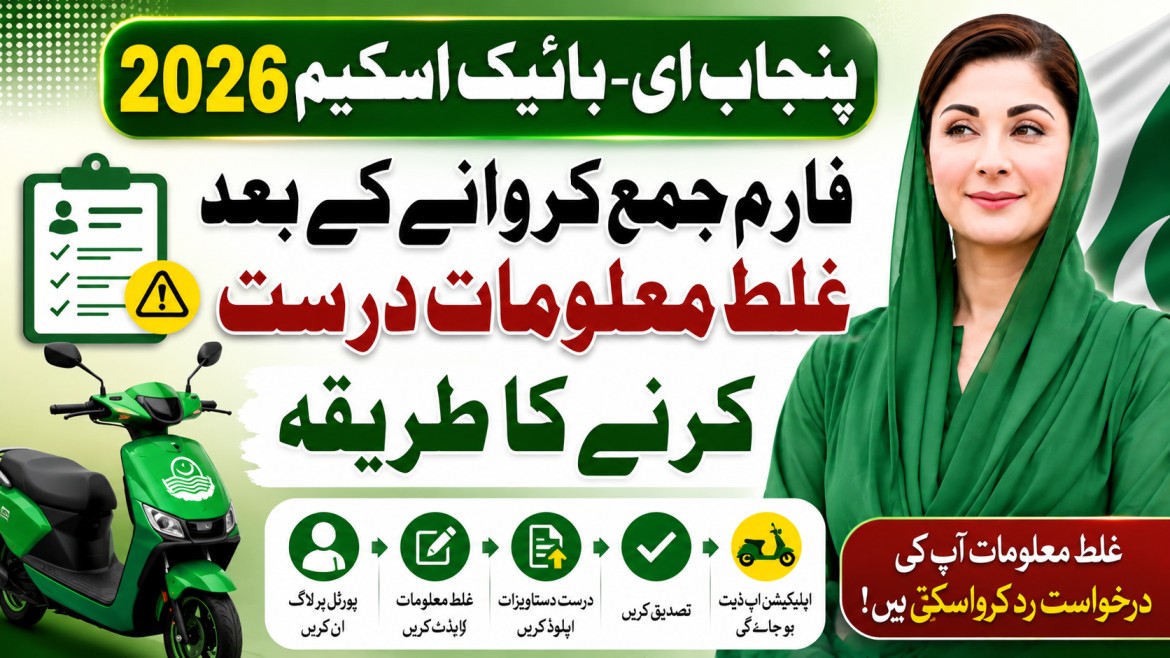
Submitting the CM Punjab Student E-Bike Scheme 2026 application is an important step toward receiving an affordable electric bike through the Punjab Government’s subsidy program. However, many applicants realize after submission that they entered incorrect information, such as a wrong CNIC number, mobile number, educational details, or address. Since the government plans to distribute 100,000 electric bikes with a Rs. 70,000 subsidy and 0% interest financing through the Bank of Punjab (BOP), it is important that every application contains accurate information. This guide explains what you should do if you discover a mistake after submitting your online application.
Quick Overview
| Details | Information |
|---|---|
| Scheme Name | CM Punjab Student E-Bike Scheme 2026 |
| Announced By | Government of Punjab |
| Total Bikes | 100,000 Electric Bikes |
| Government Subsidy | Rs. 70,000 per e-bike |
| Financing | 0% Interest through Bank of Punjab (BOP) |
| Male Students | Rs. 14,000 Down Payment + Rs. 2,100/month |
| Female Students | No Down Payment, No Registration Fee + Rs. 2,100/month |
| Eligibility | Punjab domicile, HEC-recognized institution, learner’s permit or driving licence |
| Selection Method | PITB Computerized Electronic Balloting |
| Application Mode | Online |
| Official Website | https://bikes.punjab.gov.pk |
| Official Application Portal | https://ebike-preprod-cmyi.punjab.gov.pk |
| Application Status | Registration Window Open |
Which Information Should Be Correct?
Before your application is verified by the Bank of Punjab (BOP) and entered into the PITB computerized electronic balloting, all details should match your official documents.
Carefully review information such as:
- Full name (as per CNIC or B-Form)
- CNIC or B-Form number
- Mobile phone number
- Email address
- Punjab domicile details
- Institution name
- Enrollment number
- District and city
- Learner’s permit or driving licence information
- Uploaded documents
Even a small mistake can delay the verification process or require additional clarification during document checking. The official portal requires applicants to provide accurate personal and educational information during registration.
Can You Edit the Application After Submission?
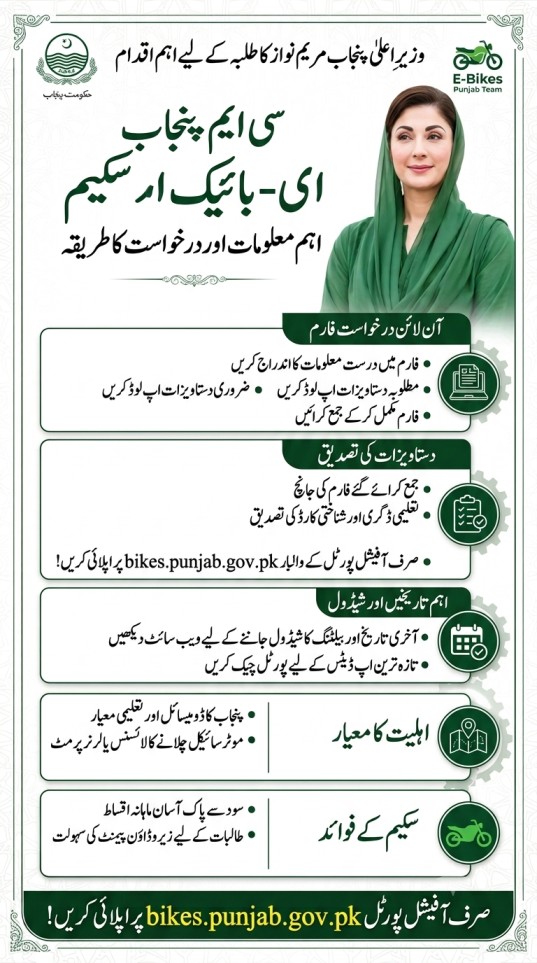
Whether you can edit your application depends on the current stage of your registration.
Generally:
- If the application is still in draft form, you may be able to update your information before final submission.
- If the application has already been submitted successfully, editing options may be limited or unavailable.
- Once verification begins, changes usually require assistance from the official support team.
- Never create multiple applications using the same CNIC unless official instructions specifically allow it.
If you notice an error immediately after submitting the form, avoid waiting until the balloting stage. Contact the official support channels as soon as possible for guidance.
Step-by-Step Guide
Follow these steps if you submitted incorrect information:
- Log in to the official application portal.
- Check whether an Edit or Update option is available.
- If editing is allowed, correct the inaccurate information and save your changes.
- If no editing option appears, do not submit another application immediately.
- Keep your application reference number ready.
- Contact the official helpline or support email.
- Clearly explain which information is incorrect.
- Attach supporting documents if requested.
- Follow any instructions provided by the official support team.
- Continue checking SMS messages and the application portal for updates.
Using only the official portal helps protect your personal information and ensures your request reaches the appropriate authorities.
Common Mistakes That Applicants Make
Many applications require correction because of simple typing errors.
The most common mistakes include:
- Wrong CNIC digits
- Incorrect mobile number
- Misspelled applicant name
- Incorrect enrollment number
- Selecting the wrong educational institution
- Uploading blurred or incomplete documents
- Entering an incorrect district
- Using an expired learner’s permit
- Uploading documents that do not match the application details
Before submitting any government application, compare every field with your original documents.
Remember these important scheme features while applying:
- 100,000 electric bikes will be distributed across Punjab.
- Each approved electric bike includes a Rs. 70,000 government subsidy.
- Financing is available at 0% interest through the Bank of Punjab (BOP).
- Male students pay Rs. 14,000 as a down payment followed by Rs. 2,100 monthly installments.
- Eligible female students receive no down payment and no registration fee, paying only the monthly installment.
- Eligible applicants are selected through a transparent PITB computerized electronic balloting system.
Tips to Prevent Future Application Errors
A few extra minutes of checking can help prevent delays later.
Follow these best practices:
- Keep all original documents beside you while filling out the form.
- Type your CNIC carefully.
- Use an active mobile number.
- Verify your institution details from official records.
- Upload clear scanned documents.
- Review every page before clicking the submit button.
- Save screenshots or a copy of your submitted application.
- Apply only through the official government portal.
Providing correct information improves the chances of smooth verification by the Bank of Punjab and helps avoid unnecessary delays during the application process.
Official Help & Contact
Official Website: https://bikes.punjab.gov.pk
Official Application Portal: https://ebike-preprod-cmyi.punjab.gov.pk
Official Department Name: Government of Punjab – CM Punjab Student E-Bike Scheme
Official Email: support@bikes.punjab.gov.pk
Official Phone Number: 042-111-333-267
For the latest announcements, eligibility criteria, merit lists, and application updates, always visit the official government website.